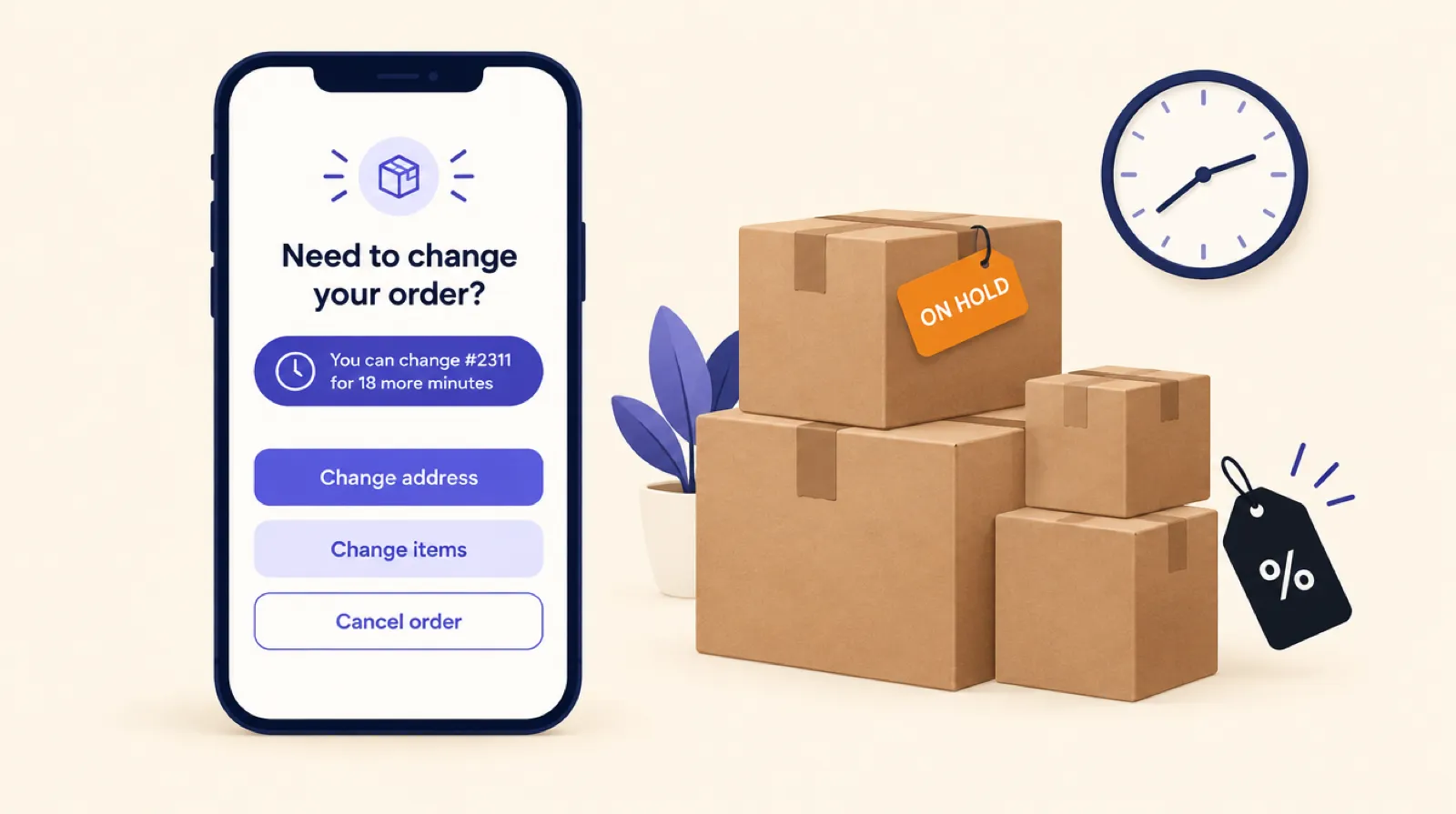
Black Friday is November 27 this year, and the change requests start arriving the same day. In an August thread on the Shopify Community about Black Friday prep, merchants said address changes and order edits spike the week after the sale. They also said cancellations and refunds can pull revenue down even when conversion looks great. If customers can fix their own orders, much of that never reaches your inbox. That only works if the settings match how fast you pack, so here's what to decide before the sale starts.
1. Set the edit window from your packing schedule
The window is how long a customer can change an order after placing it. In Smart Checkout Widgets you can choose 15 minutes, 30 minutes, or 1, 2, 4, 12 or 24 hours. The default is 30 minutes.
Make it shorter than the time between an order coming in and someone picking it:
- If you pack all day as orders arrive, use 15 or 30 minutes. That still covers the customer who spots a typo while reading the confirmation.
- If your warehouse or 3PL picks in one or two batches a day, 2 to 4 hours costs you nothing, because orders wait for the batch anyway.
- If you ship next day, 12 hours is reasonable. Go longer only if you're happy for every order to wait that long.
A new window applies to new orders, so set it a few days before the sale and leave it alone.
2. Turn on the fulfillment hold, and tell your warehouse
A window only helps if nobody ships the order during it. With Hold fulfillment on, every new order gets a hold with a note saying it's in the customer edit window and is safe to release by hand. The app checks every minute and lifts the hold when the window ends.
Before the sale:
- Ask your 3PL or fulfillment app how it treats held orders. You want it to leave them alone until the hold is released.
- Place a test order and watch it go from on hold to ready to fulfill when the window ends.
- Make sure whoever packs knows they can release a hold from the order page in Shopify if a parcel has to go out sooner.
If you pick a window over 2 hours with the hold on, the app warns you that orders will wait that long before they can be fulfilled. During a peak that's easy to forget.
3. Decide which changes to allow
You can switch each change on or off: shipping address, lowering a quantity or removing an item, swapping a size or colour, and cancelling. For a sale, keep all four on:
- Address changes. A wrong flat number found after shipping costs a reshipment or a lost parcel. Changes stay within the same country and state or province, so shipping rates and taxes don't move.
- Size swaps. A swap before packing costs nothing. The same mistake found after delivery means a return. Swaps only offer in-stock variants of the same product at the same price, so they won't oversell a variant that's nearly gone.
- Cancellation. Making it easier to cancel during a sale feels wrong, but a customer who wants to cancel will email you if they can't do it here. A cancellation inside the window costs you a refund before anything is picked, and the stock goes straight back on sale. A cancellation after shipping costs a return as well.
4. Plan for discounted and gift orders
On Black Friday a lot of orders carry a discount or a free gift. On those orders, removing an item could change what the discount or gift is worth, so customers can't remove items themselves. They get a Request removal button, and it creates a Shopify requested edit on the order. Nothing is refunded until you accept it.
So more removals than usual will come to you as requests. Decide who checks them, and how often. Once a day before packing is a good minimum. Address changes, swaps on full-price lines and cancellations still go through without you. Shopify's own cancellation requests show up on the order the same way.
5. Let cancellations restock
When a customer cancels from the order page, the app cancels with the items restocked and the payment refunded to the original method. That matters on a sale, when the item they cancelled may be close to selling out. Someone else can buy it within minutes, and you don't have to remember to tick a restock box.
6. Watch the activity log during the sale
The Order editing page shows how many customer edits you've had in the last 30 days and a list of recent changes, including any that were refused or failed. In Shopify, edited orders carry a Customer edited tag, so you can filter for them.
Two things are worth checking each day:
- Lots of refused edits usually means customers are trying after the window or after packing has started. A slightly longer window may help next time.
- Track cancellations next to conversion. A sale that converts well but loses a big share to cancellations needs a look at the offer or the delivery dates.
After the sale, look at which products were swapped most, because repeated swaps usually point at a product page problem. See what repeated order edits say about your store.
Checklist before November 27
- Order editing switched on, with the window set from your packing schedule.
- Hold fulfillment on, tested with one order, and the 3PL told what to expect.
- Allow access granted, so swaps and holds work.
- The Order editing block on both the Thank you page and the Order status page.
- Someone named to check removal requests every day.
- Your packers know how to release a hold by hand.
Order editing is part of the Pro plan at $99 a month with unlimited orders, so a busy weekend doesn't move you into a higher tier. It works on every Shopify plan except Starter. For the rest of your sale prep, see the Black Friday checkout checklist.
Frequently asked questions
How long should the order edit window be on Black Friday?
Shorter than the time between an order arriving and someone picking it. If you pack continuously, use 15 or 30 minutes. If your warehouse picks once or twice a day, 2 to 4 hours costs nothing.
Will the fulfillment hold slow down shipping?
Only for the length of the window. The app lifts the hold when the window ends, and you can release any order by hand from its page in Shopify.
Can customers remove items from discounted Black Friday orders?
Not directly. On orders with a discount or free gift they can send a removal request, and you accept or decline it in the Shopify admin.
Does cancelling put the stock back?
Yes. A cancellation from the order page restocks the items and refunds the original payment method.
Does a busy sale cost more in order editing fees?
Not with Smart Checkout Widgets. Order editing is in the Pro plan at $99 a month with unlimited orders and no per-edit charge.