In August a merchant on the Shopify Community described tagging every order change request for two months. Almost all of them were address typos or wrong variants. The fix was upstream: address validation, and a repaired variant picker that had let people add to cart without choosing a size. Once customers edit their own orders, you get that same record without tagging anything.
Where to find the record
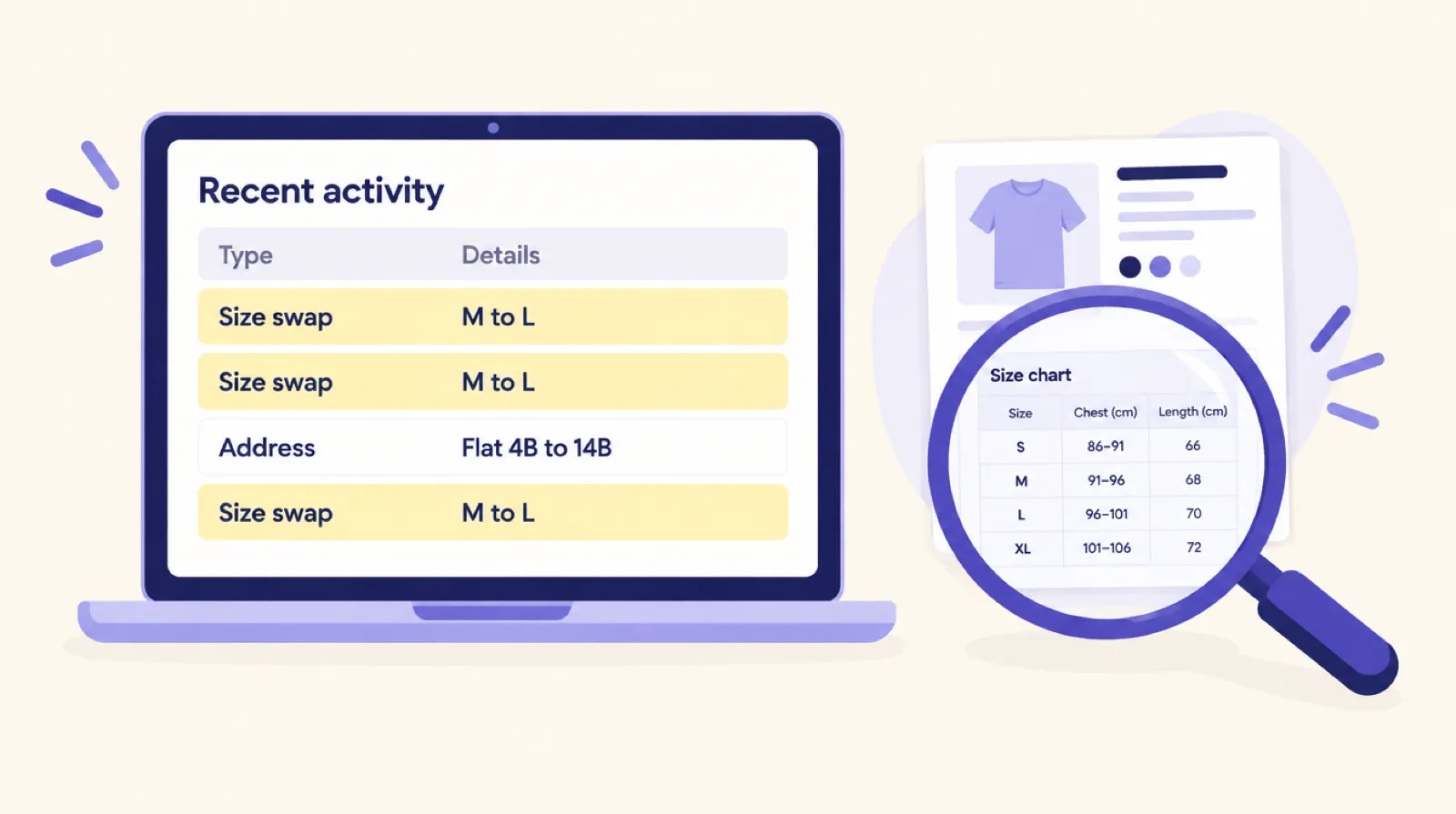
- The Order editing page in Smart Checkout Widgets shows how many customer edits you had in the last 30 days, and a Recent activity list with when, which order, what changed and the detail. It shows 25 rows a page and keeps 90 days. Refused and failed edits get their own badge.
- In Shopify, every edited order is tagged Customer edited and has a staff note saying the customer changed it. Filter your orders by that tag and export them to sort by product.
Patterns and what they usually mean
| What you see | Likely cause | What to fix |
|---|---|---|
| One product swapped up a size again and again | It runs small | Add a fit note, put the size chart next to the size picker, consider relabelling |
| One product swapped down a size | It runs large | The same, the other way |
| Swaps between colours of one product | The photos don't match the real colour, or the swatch is unclear | Reshoot or colour-correct the photos, and name the colour in the swatch |
| Swaps away from the first size or colour in the list | The picker pre-selects an option, so people add to cart without choosing | Make the customer choose before Add to cart works |
| Address fixes to the second address line | Customers skip the flat or unit number | Make the field easier to notice, or add a note under it |
| Quantities lowered on the same product | A pack size or quantity box is confusing | Say what one unit is, such as "pack of 3" |
| Cancellations soon after ordering | A surprise after paying, often the delivery date or a cost | Show delivery estimates and costs before payment |
| Lots of refused edits | Customers try after the window or after packing has started | Look at the window length, and say in the confirmation email how long changes are open |
Treat each row as a guess to check. Three swaps on a product that sold three hundred units is noise. Thirty is a pattern.
Count edits per product, not in total
A rising total edit count can just mean you sold more. What matters is the share of each product's orders that get edited. Export the Customer edited orders and your orders for the same period, count both by product, and compare. A product where one order in ten gets a size swap needs its page looked at.
A monthly 20-minute review
- Open the Order editing page and read through the last month's activity.
- Write down any product with more than a couple of swaps, and which way they went.
- Look for address fixes that repeat a field or a country.
- Check refused edits, and why they were refused.
- Pick one fix, make it, and check next month whether that product's edits dropped.
Why the edit log is easier to read than support email
Support email about orders is messy: different words for the same problem, threads that wander, and the request buried in paragraph three. Customer edits are structured. Every row is a specific change to a specific order, so a pattern shows up quickly. And because customers make the change themselves, your team has time to fix the cause.
Get the log
Order editing is part of the Smart Checkout Widgets Pro plan at $99 a month with unlimited orders, and works on every Shopify plan except Starter. Switch it on, add the Order editing block to the Thank you and Order status pages, and the log starts with the next order. If wrong sizes are the main problem, start with swap, return or cancel.
Frequently asked questions
Where can I see which orders customers edited?
On the Order editing page in Smart Checkout Widgets, under Recent activity, and in Shopify by filtering orders by the Customer edited tag.
How long is the edit history kept?
The activity list keeps 90 days. The Customer edited tag and staff note stay on the Shopify order.
How many edits on a product is too many?
Compare edits with orders for that product rather than counting edits alone. A few edits on a best seller is normal. A high share of its orders getting the same swap points at the product page.
Can I see failed or refused edits?
Yes. Refused and failed edits are listed with a badge, which shows when customers try to change orders after the window or after packing has started.