A customer orders a medium, checks the size chart ten minutes later and realises they need a large. In a Shopify Community thread from August, one merchant who tagged every change request for two months found almost all of them were address typos or wrong variants. There are three ways to fix a wrong size, and they cost very different amounts.
The three fixes
| Fix | What happens | What it costs you |
|---|---|---|
| Swap before it ships | The order is changed to the right size before anyone packs it | Nothing extra, if the customer does it themselves |
| Cancel and reorder | The order is refunded and the customer buys again | Support time, and the risk the customer doesn't come back or the size sells out in between |
| Return or exchange after delivery | The parcel ships, comes back, and a new one goes out | Two extra shipments, handling, a week or two of waiting, and sometimes an item you can't resell |
Swap before it ships
This is the cheapest fix, as long as you catch it in time. The customer gets the right item in the first parcel and nothing comes back. If the swap depends on an email, someone has to read it and change the order before packing.
Cancel and reorder
This works, but it's clumsy. The customer has to place a whole new order. A discount code may not work a second time. The size they wanted may sell out while they wait for the refund. Your reports show a cancelled order and a new one where there should be one sale.
Return or exchange after delivery
This is the most expensive fix. You pay to ship the parcel out, to get it back and to send the replacement. Someone has to check the returned item. The customer waits a week or two for the right size, and some may not order again.
Let the customer swap it themselves
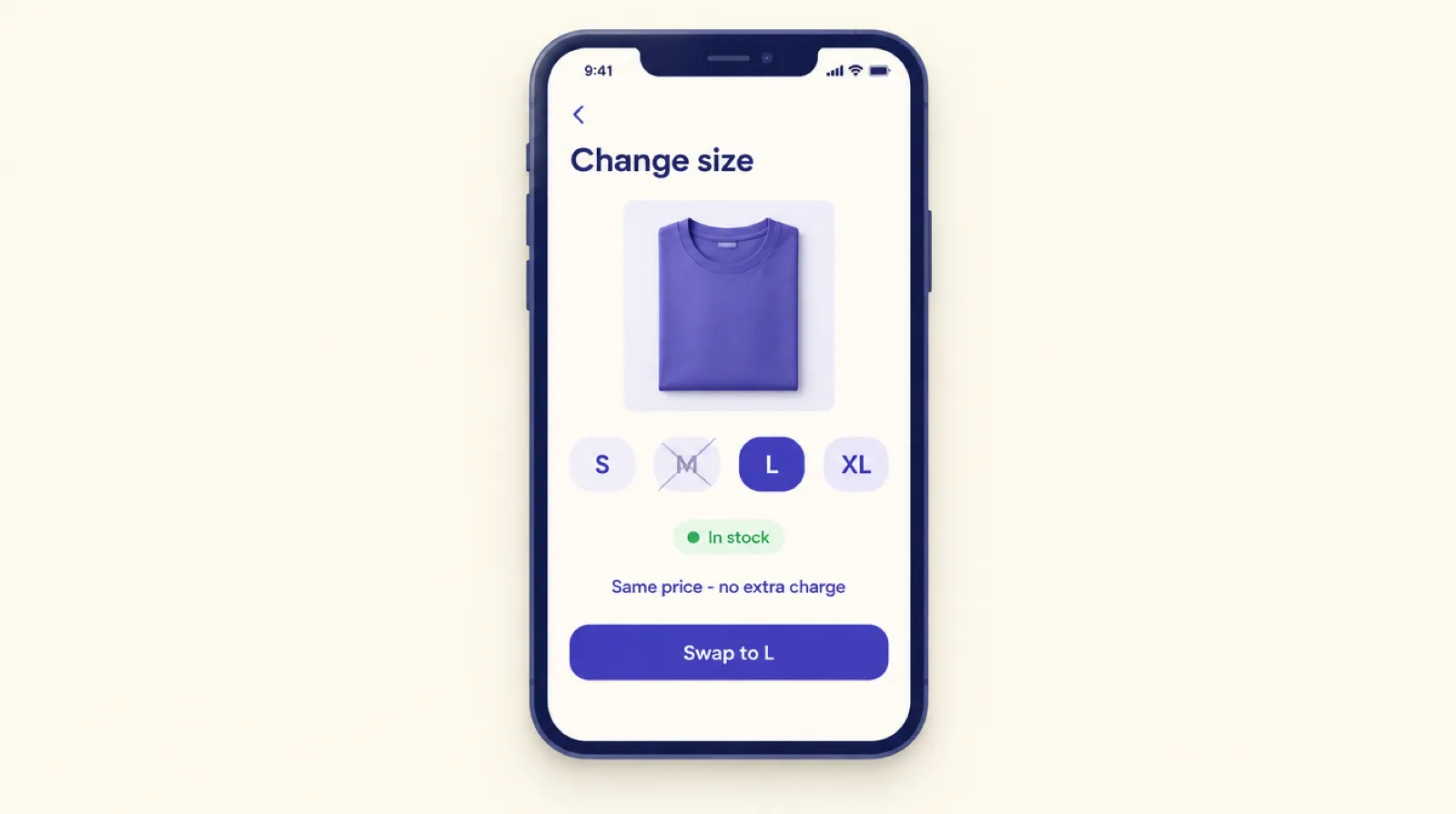
With order editing in Smart Checkout Widgets, the customer opens Change items on the Thank you page or the Order status page and picks a different size or colour. The order changes straight away and Shopify emails them the update. You see a Customer edited tag on the order.
Each swap has to meet a few rules, so it never leaves the order in a state you didn't expect:
- It stays within the same product: medium to large, or navy to black.
- Only variants you have stock for are offered, so a swap can't oversell.
- The price stays the same. The swap is only saved if Shopify's recalculated total matches the original. If the large costs more, it isn't offered.
- The order is paid, inside your edit window, and fulfillment hasn't started.
- Discounted lines, gift cards, subscriptions and free gifts can't be swapped.
When a swap isn't offered
Sometimes a swap isn't offered, for example when the larger size costs more, the line had a discount, or the window has closed. The customer still has options:
- Inside the window, they can lower the quantity or cancel and order again. Both refund to the original payment method.
- On orders with a discount or free gift, they can request a removal, which you approve in the Shopify admin.
- After the window, it's an email to you, the same as before.
Swaps that need extra payment, like upgrading to a pricier variant, aren't supported yet.
Fewer wrong sizes to begin with
A swap fixes one order. If the same product keeps getting swapped up a size, the product page needs fixing. Some things to check:
- A size chart that's easy to find on mobile, near the size picker.
- A fit note on items that run small or large.
- A size picker that makes the customer choose a size. If the first size is pre-selected, some people will order it without noticing.
- Colour photos that match the real product.
The order editing page lists every swap, so you can see which products need this. There's more in what repeated order edits say about your store.
Set it up
- In Smart Checkout Widgets, open Order editing and switch it on. Tick Swap size, color or other option and pick your edit window.
- Click Allow access. Swaps need the order-edit permission, and the app asks for it only on this page.
- Add the Order editing block to the Thank you page and the Order status page in Shopify's checkout editor.
Turn on Hold fulfillment as well, so nothing ships before the window ends. Order editing is part of the Pro plan at $99 a month with unlimited orders, and works on every Shopify plan except Starter.
Frequently asked questions
Can a Shopify customer change the size on their order?
Not with Shopify alone. With an order editing app such as Smart Checkout Widgets, they can swap to another in-stock size of the same product at the same price from the Thank you or Order status page, before the order ships.
What if the new size costs more?
The swap isn't offered. Swaps are only saved when the order total stays the same. The customer can cancel within the window and reorder, or contact you.
Can customers swap to a different product?
No. Swaps stay within the same product, such as a different size or colour.
Does a swap work on discounted items?
No. Lines with a discount can't be swapped, because the discount might not carry over correctly. On those orders the customer can request a removal for you to approve.
Will the customer get an updated confirmation?
Yes. Shopify emails the customer when a swap is saved.