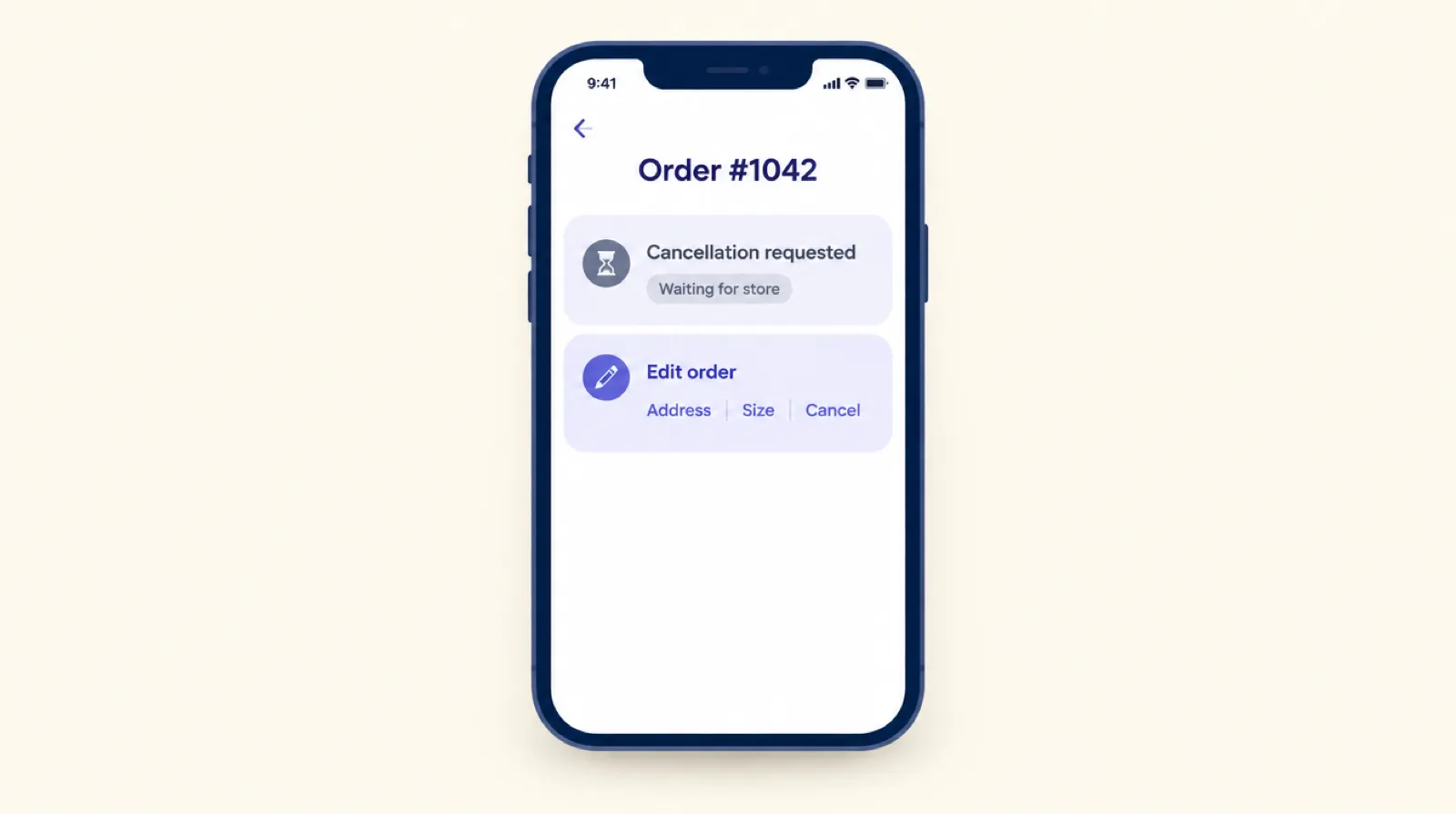
In 2026 Shopify gave customers two ways to ask for a change after checkout. They can request a cancellation from their order page, and since API version 2026-10 apps can let them request that unshipped items be removed. Both are requests: the order stays as it is until someone on your team approves it. That takes care of the "how do I cancel?" email. It does nothing for a wrong flat number or a medium that should have been a large.
What Shopify added
Cancellation requests
A customer can ask to cancel from their order in customer accounts. According to Shopify's help center, the request doesn't cancel the order or remove its sales on its own. You get an email, and the order shows a request banner. From there you can:
- Click Remove items, choose what to refund and click Refund. That resolves the request.
- Cancel the order, which also resolves it.
- Decline it with an optional note. The customer gets an email with your reason.
- Mark it as resolved, which closes it without changing the order or emailing anyone.
Handling requests needs the store owner or a staff account with the Orders permission.
Requested order edits for apps
On October 1, 2026, Shopify added APIs for buyer-requested order edits. A buyer can request the removal of unfulfilled line items. Apps can create, resolve and decline those requests, and orders now carry a requested-edit status. Shopify's developer changelog lists the details.
What a request can't do
Both features are about taking something away, and both wait for you. So these still end up in your inbox:
- A wrong apartment number, street or postcode.
- The wrong size or colour.
- Two of something when they wanted one. A request can remove a line, but there's no way to just lower the quantity.
- Anything urgent. If a request comes in at 11pm and you pack at 8am, the order may ship before anyone reads it.
Requests and self-serve edits side by side
| Change | Shopify request | Order editing in Smart Checkout Widgets |
|---|---|---|
| Cancel the order | Customer asks, you approve and refund | Done straight away inside your edit window, with a full refund and the stock put back |
| Remove an item | Customer asks, you approve | Done straight away. On orders with a discount or free gift it becomes a request you approve |
| Lower a quantity | Not offered | Done straight away, with the difference refunded |
| Change the shipping address | Not offered | Within the same country and state or province |
| Swap a size or colour | Not offered | Another in-stock variant of the same product at the same price |
| Add items or upgrade to a pricier variant | Not offered | Not offered yet |
| Who does the work | You, every time | The customer. You see a Customer edited tag and an activity log |
Where requests are the right tool
Some changes should wait for a person. When an order used a discount code or came with a free gift, removing an item can mean the discount no longer applies or the gift is no longer earned. An automatic refund could send back the wrong amount.
That's why order editing in Smart Checkout Widgets doesn't let the customer remove items on those orders. They get a Request removal button instead, and it creates one of Shopify's requested edits. It lands on the order in your admin next to any other request, and you accept or decline it the same way. The customer can have one request open at a time.
Which one you need
Shopify's requests may be all you need if:
- You get a handful of change emails a month.
- Most of them are cancellations.
- Orders sit for a day before packing, so you have time to read requests.
Self-serve editing saves time if:
- Address fixes and size swaps make up a steady share of your support email.
- You pack the same day, so a request read tomorrow is too late.
- You're heading into a peak like Black Friday. See how to set up order editing for Black Friday.
Set up self-serve editing
- In Smart Checkout Widgets, open Order editing, tick Let customers edit their orders, choose an edit window from 15 minutes to 24 hours and pick which changes to allow.
- Click Allow access if you want size swaps and fulfillment holds. Address changes, lower quantities and cancellations work without it.
- Add the Order editing block to the Thank you page and the Order status page in Shopify's checkout editor, under Order details.
The block only appears while an order can still be changed: inside the window and before fulfillment starts. Order editing is part of the Pro plan at $99 a month with unlimited orders, and works on every Shopify plan except Starter.
Frequently asked questions
Does a Shopify cancellation request cancel the order?
No. The request doesn't cancel the order or remove its sales by itself. You approve it by removing and refunding the items or cancelling the order, or you decline it.
Can customers change their shipping address in Shopify without an app?
No. Shopify's requests cover cancelling and removing unfulfilled items. Address changes still go through you, or through an app that lets customers edit their own orders.
What are requested order edits?
An API Shopify added on October 1, 2026 (version 2026-10). Buyers can request the removal of unfulfilled line items, and the merchant resolves or declines the request in the admin.
Does self-serve order editing need Shopify Plus?
No. The Order editing block runs on the Thank you and Order status pages, which work on every Shopify plan except Starter. In Smart Checkout Widgets it's part of the Pro plan.
Can customers add items to an order after checkout?
Not in Smart Checkout Widgets yet. Adding items and upgrading to a pricier variant need the customer to pay the difference, and they're on the roadmap.