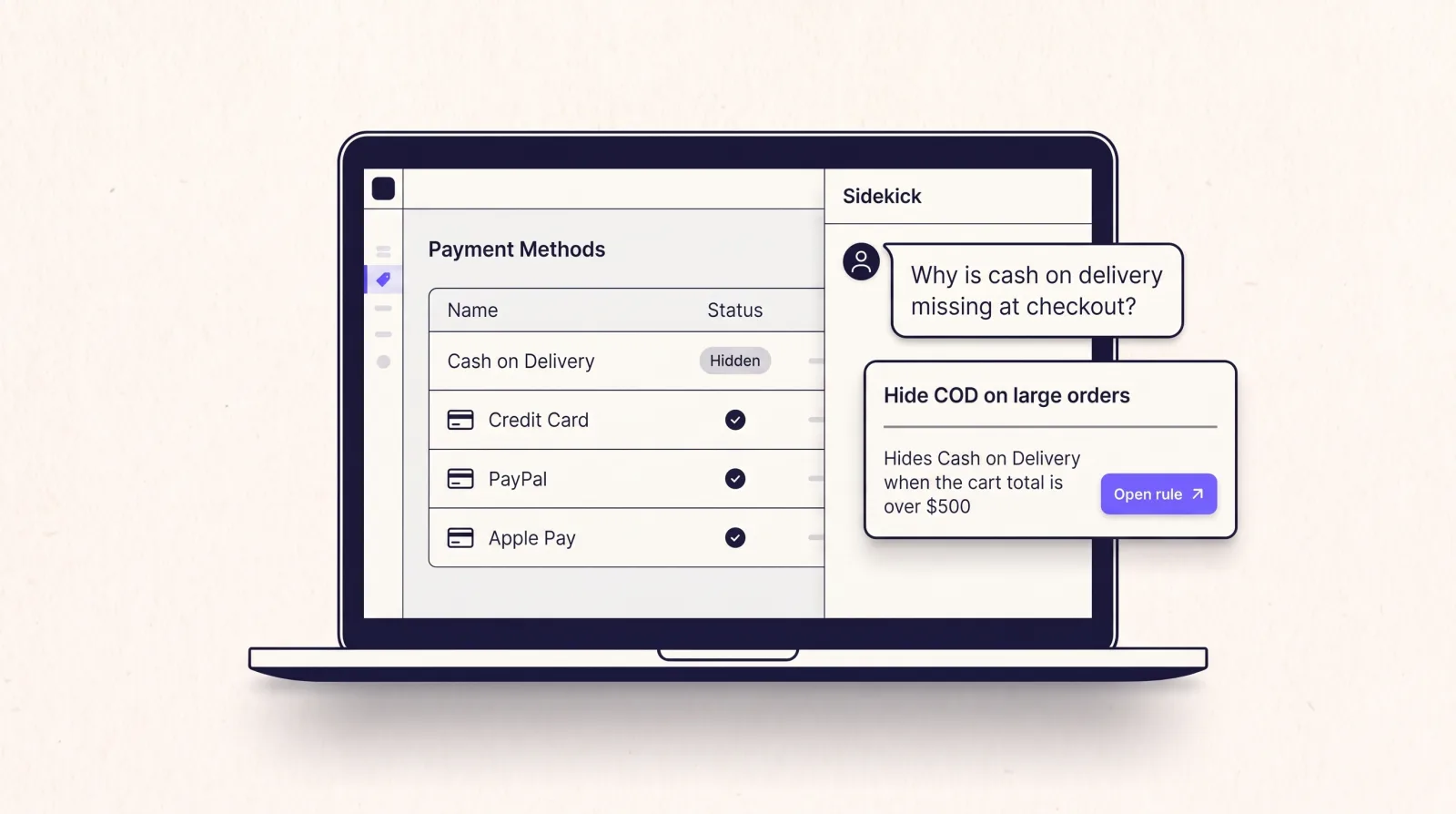
Shopify Sidekick, the assistant in your Shopify admin, can now answer questions about your Smart Checkout Widgets setup. Ask it why cash on delivery is missing, which shipping rule renames a rate, or which gift campaigns are running, and it checks your actual rules instead of guessing. It works on every plan of the app.
What you can ask
- Why a payment or shipping method is missing, renamed or in a different order. Sidekick looks up your payment and shipping rules and tells you which enabled rule causes it and when it applies. If the matching rule is switched off, it says so.
- How to set up a rule. Sidekick suggests the closest ready-made template, such as hiding cash on delivery on orders over $500, and gives you a link that opens it already filled in.
- Which free gift campaigns you have, with their status and dates.
- Which widgets you have, such as trust badges, banners and upsells, and which pages each one can show on.
Every answer includes a link to the rule, gift or widget it mentions, so you can open it in the app straight away.
Why is cash on delivery missing at checkout?
Your payment rule Hide Cash on Delivery on large orders is on. It hides Cash on Delivery when the cart total is over $500, so shoppers with bigger carts don't see it.
Open the rule in Smart Checkout Widgets
Sidekick reads, you change
Sidekick can't create, edit or delete anything in Smart Checkout Widgets. When you ask it to set something up, it hands you a link to a template in the app. Nothing changes at checkout until you check the rule and press Save there.
The first time Sidekick wants to look at the app, it asks for your permission. You answer once, in the chat.
What it knows about Shopify plans
Sidekick is told which parts of the app need Shopify Plus, so it won't send a Basic or Shopify plan store down a dead end. Payment and shipping rules, and widgets on the Thank you and Order status pages, work on every Shopify plan. Widgets on the checkout page itself and the gift picker in checkout need Plus.
How to use it
- Open Sidekick in your Shopify admin.
- Ask your question in your own words, for example "why is COD missing?" or "which gifts are running this week?".
- When Sidekick asks to use Smart Checkout Widgets, allow it.
There's nothing to install or switch on in the app.
Frequently asked questions
Can Shopify Sidekick see my checkout rules?
Yes, once you allow it. Smart Checkout Widgets gives Sidekick read access to your payment and shipping rules, gift campaigns and widgets.
Can Sidekick change my rules?
No. It only reads. To create a rule it gives you a link to a pre-filled template in the app, and nothing changes until you save it there.
Does it need Shopify Plus?
No. Sidekick works with the app on every plan. It also knows which features need Plus and says so when it matters.
Why did Sidekick say Smart Checkout Widgets is not the cause?
That means no enabled payment rule in the app matches the method you asked about. The method may be switched off or limited in your Shopify payment settings instead.