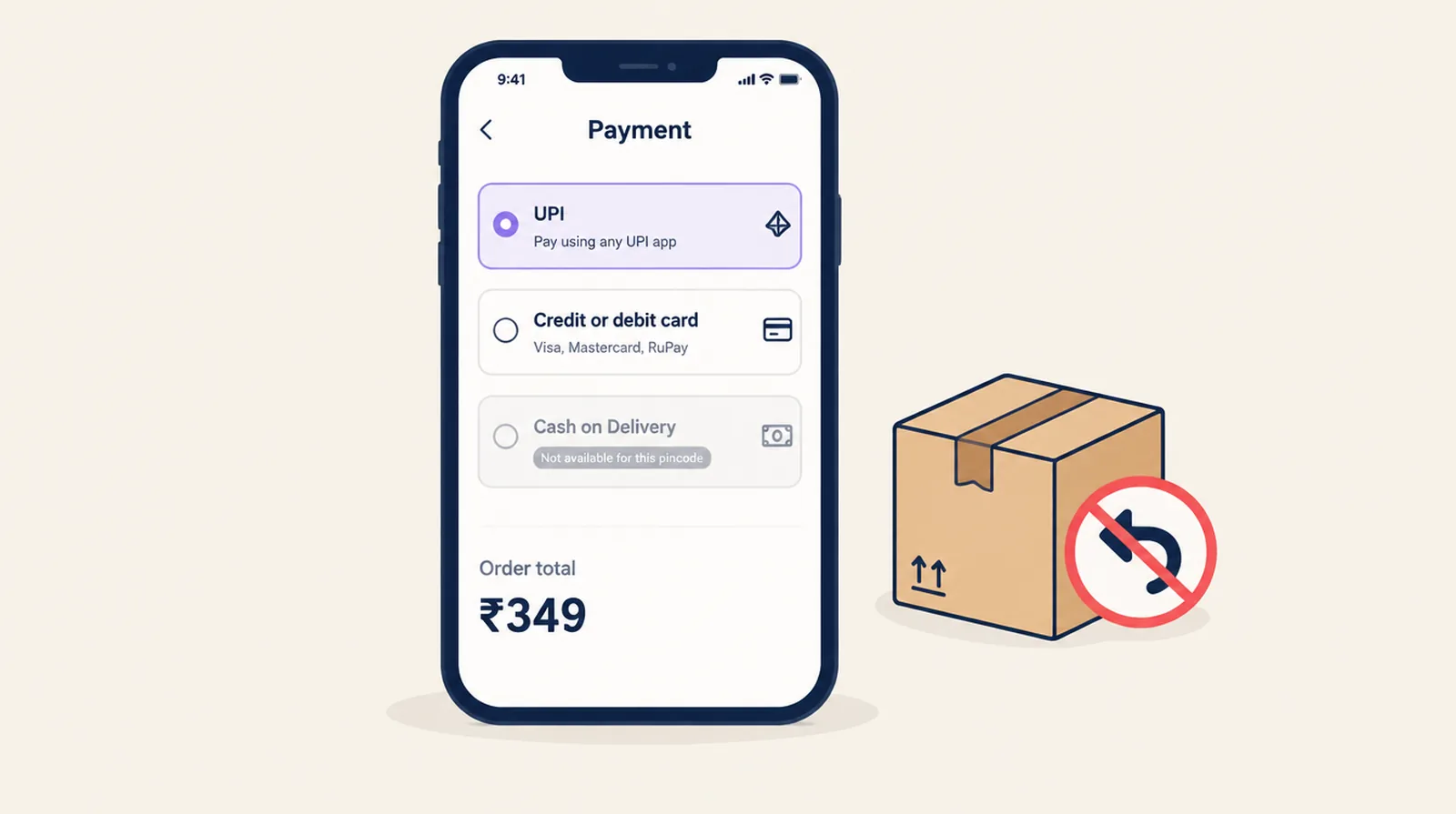
You pay shipping twice when a cash on delivery parcel comes back: once out and once back, plus the packaging, and the stock is tied up in between. Shopify can't turn COD off by pincode or order value on its own. Payment rules in Smart Checkout Widgets can, on every Shopify plan. Together with order editing, which lets a buyer cancel before dispatch, they go after two common causes of RTO: low-intent COD orders and buyers who change their mind after ordering.
What D2C founders are saying
- A founder on r/StartUpIndia wrote in September 2026 that they got RTO below 7%. One of the changes was turning off COD below Rs 399, because small COD orders brought in a lot of weak-intent volume.
- In July, a thread on r/indianstartups asked how D2C brands get people to prepay instead of choosing COD. The poster's COD share was around 70%, and it was hurting cash flow.
- This week a merchant on r/shopify asked who uses Razorpay and also offers COD. One reply listed the COD controls in Razorpay Magic Checkout, including turning COD off for high-RTO pincodes.
Five payment rules that target RTO
- Hide COD below a minimum order value. Condition: Cart total amount is less than your floor. Start with the value where your RTO report shows returns piling up.
- Hide COD above a maximum. A refused ₹6,000 order hurts more than a refused ₹600 one. Condition: Cart total amount is greater than your ceiling.
- Hide COD for high-RTO pincodes. Take the worst pincodes from your courier's RTO report and add them to one Address ZIP / postal code condition, separated by commas.
- Hide COD for first orders. Customer order count only works for signed-in customers. To cover guests too, use Customer is not logged in. Test this one carefully, because it can cost you genuine first-time buyers.
- Put UPI and cards first. Reorder payment methods so prepaid sits at the top and COD at the bottom. A rename can add a line to the COD option, such as "Cash on Delivery: please keep exact change ready".
Rules apply as soon as you save. Several conditions in one rule can be combined with Any, All or None, so "below ₹399 or in these pincodes" is one rule.
Let buyers cancel before dispatch
Some RTO comes from buyers who changed their mind and let the parcel come back rather than tell you. With order editing (Pro plan) on the Thank you and Order status pages, a buyer can cancel an unfulfilled order or fix the delivery address themselves. You don't ship it, so you don't pay for it twice. Add a fulfillment hold so nothing goes out until the edit window ends.
Set expectations on the Thank you page
Add a Custom banner to the Thank you and Order status pages that says what happens next for COD orders, for example that you'll confirm on WhatsApp before dispatch, and how long delivery takes. It shows to every buyer, so word it for everyone: "Paying cash on delivery? We'll message you to confirm before we ship."
What these rules don't do
Smart Checkout Widgets can hide, rename and reorder COD. It can't add a COD fee, take a partial prepayment or verify buyers by OTP. If you need those, look at a COD verification app or a checkout like Razorpay Magic Checkout, and use payment rules for when COD appears at all.
Measure it
Before you change anything, note your COD share and RTO rate for the last 30 days, by pincode if your courier reports it. Change one rule at a time and compare the next 30 days. Watch total orders as well as RTO, so you can see if a rule is turning away good buyers.
Frequently asked questions
Can I disable cash on delivery for specific pincodes on Shopify?
Yes. Add a payment rule that hides Cash on Delivery when the ZIP / postal code matches your list. Separate pincodes with commas. It works on every Shopify plan.
Can I set a minimum order value for COD?
Yes. Hide Cash on Delivery when the cart total amount is below your minimum. Buyers under it see only prepaid methods.
Can I add a COD fee with Smart Checkout Widgets?
No. The app hides, renames and reorders payment methods but doesn't add fees.
Does hiding COD for first-time customers work with guest checkout?
Order count only works for signed-in customers, so it never matches a guest. Use the Customer is not logged in condition to cover guests.
Does this need Shopify Plus?
No. Payment rules and order editing both work on Basic, Shopify, Advanced and Plus.