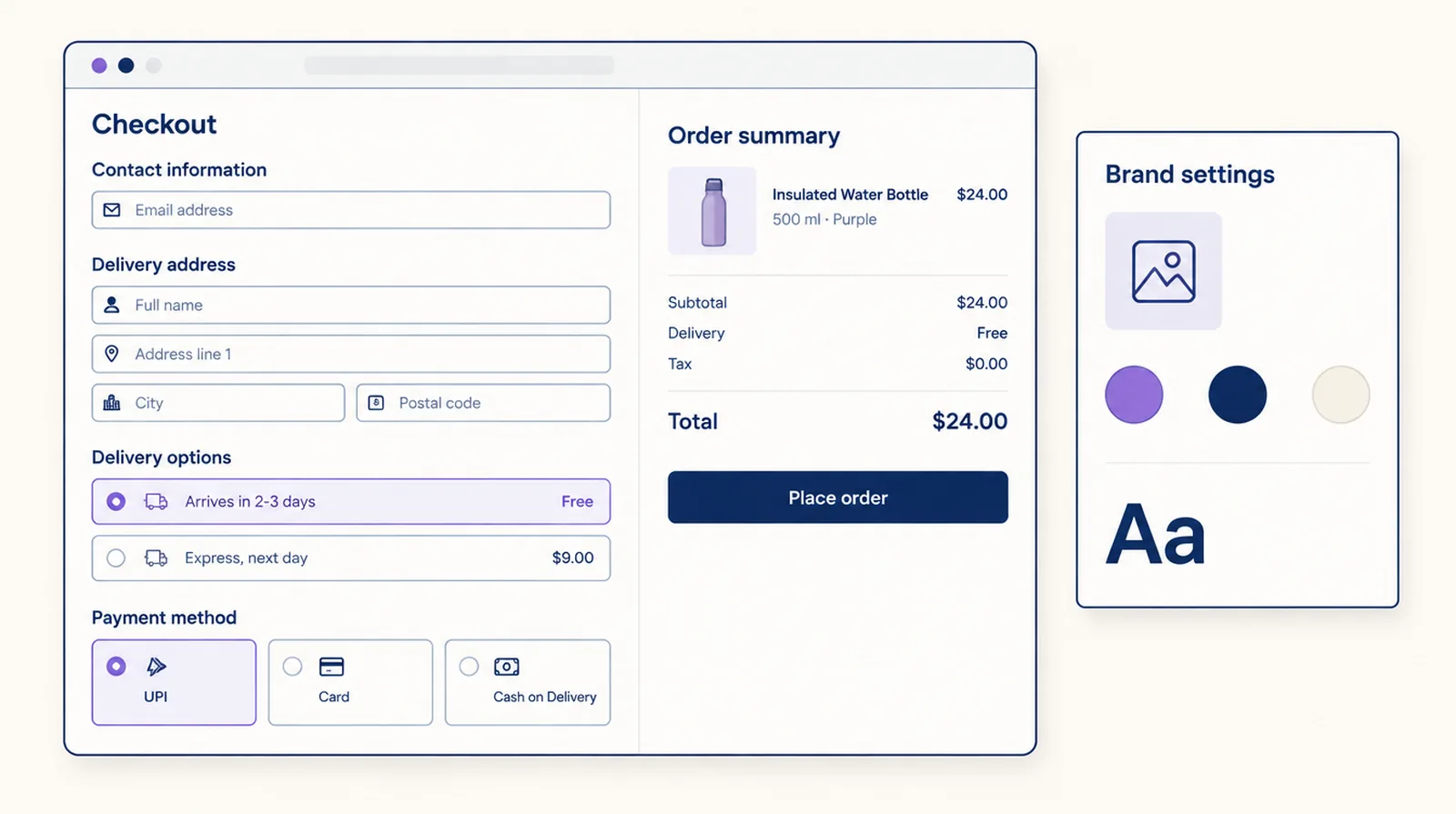
Without Shopify Plus you can't add blocks to the checkout page or rewrite its code. You can still brand it, decide which payment and shipping options appear and what they're called, make a gift free, and do a lot on the Thank you and Order status pages, including letting customers edit their order.
The question on Reddit this week
An October 2026 post on r/shopify, Shopify Checkout Customization, asked for the best way to customize checkout on a non-Plus plan without it looking like a template. Two replies stood out. One pointed to Shopify's own checkout editor. Another said to skip any app that promises a full checkout redesign on a non-Plus plan, because Shopify doesn't allow it.
What you can change, plan by plan
| What you want | Basic, Shopify, Advanced | How |
|---|---|---|
| Logo, colours, fonts, background images | Yes | Shopify's checkout editor, under Settings > Checkout > Customize |
| Hide, rename or reorder payment methods | Yes | Payment rules, for example cash on delivery only in your country |
| Hide, rename or reorder shipping rates and pickup locations | Yes | Shipping rules, for example "Arrives in 2 to 3 days" instead of "Standard" |
| Free gift with purchase | Partly | The gift discount makes the gift free once the shopper adds it. Adding it for them in checkout needs Plus. |
| Trust badges, banners, FAQs, reorder offers after purchase | Yes | Widgets on the Thank you and Order status pages |
| Customers edit their order after buying | Yes | Order editing (Pro plan) |
| Trust badges, upsells, progress bar or custom fields on the checkout page | No, Plus only | Checkout widgets |
| Corner radius, button style, header layout beyond the editor | No, Plus only | Checkout branding (Pro plan) |
| Edit checkout HTML | No, on any plan | checkout.liquid is gone for everyone |
A non-Plus setup that covers most of it
- In Shopify's checkout editor, set your logo, colours, fonts and a background for the main and order summary panels. Use your real logo, not a picture with text baked into it.
- Rename vague rates so buyers see how long delivery takes, put the option you want chosen first, and hide rates that don't fit, such as express on heavy orders.
- Put the methods most of your buyers use first, and hide the ones that cause problems, such as cash on delivery on large or international orders.
- Set up a gift. A threshold gift discount means the gift costs nothing once it's in the cart. On a non-Plus store, show the offer on the product page and in the cart so shoppers add it.
- On the Thank you and Order status pages, add delivery and returns answers, a reorder offer and the order editing panel.
When Plus is worth it for checkout
Plus makes sense for checkout when you need something on the checkout page itself: a gift added automatically, a customer-choice gift picker, an upsell, a free shipping progress bar, a consent checkbox or custom fields. If what you need is rules, a gift discount and post-purchase content, you can do it on the plan you're on.
Frequently asked questions
Can I customize Shopify checkout without Plus?
Partly. Every plan can brand checkout in Shopify's editor, hide, rename and reorder payment and shipping methods with an app, and add blocks to the Thank you and Order status pages. Blocks on the checkout page itself need Plus.
Can I add trust badges to checkout without Plus?
Not on the checkout page. You can add them to the Thank you and Order status pages on any plan except Starter.
Can I still edit checkout.liquid?
No. Shopify retired checkout.liquid for all plans. Checkout is customized with the checkout editor, apps built on checkout extensibility, and Shopify Functions.
Do payment and shipping rules need Plus?
No. Smart Checkout Widgets payment and shipping rules run on Shopify Functions, which work on Basic, Shopify, Advanced and Plus.